
Gypsy Build Notes and Fun

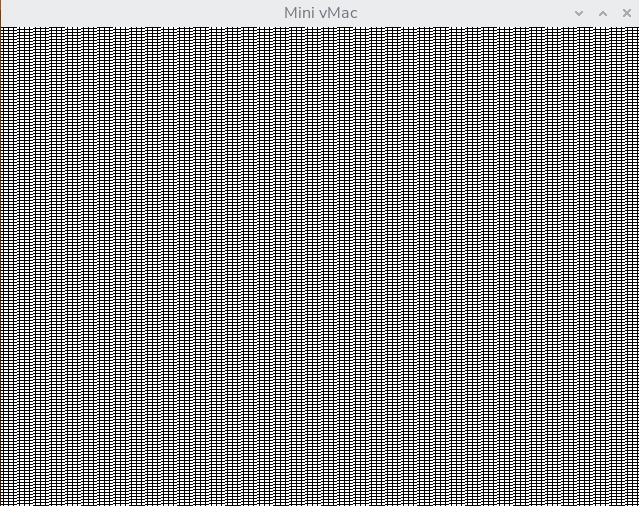
I am finally getting dragged kicking and screaming into software build-dev. Last night I figured out a build issue that's been killing me for a year. Last year I built that museum kiosk to play that old 1985 Macintosh Ouija game. I was always kind of stuck with a very specific SDL binary build that the original author of Mini vMac had made in 2019 as an update to the one being shipped with RetroPie. I couldn't reproduce this version 36.04 build even using his stated exact command line for the arguments. My builds would run lots of Mac stuff and seemed fine, but they crashed when I would launch our Ouija board app. Last night I was alternating between his binary and mine and noticed his screen size was lower. So re-compiled at 512x342 and boom. Worked no problemo. He did not mention that in his build notes of course! And my application is so old, from like about a year after the first Mac launched, that they probably never conceived that it could be a res other than 512 across. Even in the build guide for Mini vMac they list "popular resolutions" of 640x480, 800x600, 1024x768.
640x480:
512x342:
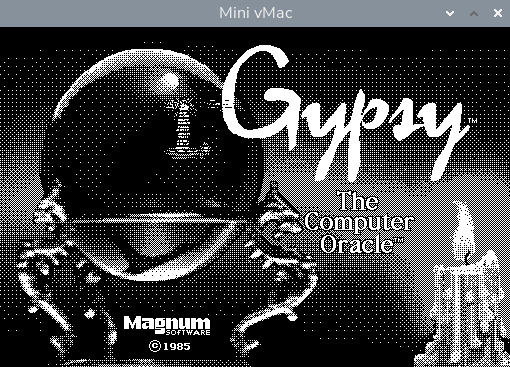
So NOW I can use the latest & greatest version of the software off of Github. I'm not reliant on running a 32-bit OS or availability of 32 bit SDL, and I don't have to worry about "what if they stop supporting some other XYZ in the future". I do understand that since this thing is basically a modestly locked down interactive signage machine with no internet access even should someone maliciously hand-hack a machine at a tourist museum. I shouldn't really need to worry about running the latest OS in a decade anyway. If it ain't broke and all.
Now I'm ripping into the Mini vMac code itself and disabling all the safeties such as "Are you sure you want to quit" type dialogs and probably will make "quit" be just "Q" if I can instead of "CTRL+Q" (this is a public kiosk, so there is not a full keyboard available to the public). I wonder if I could get the emulator to start at "all out" speed for like, 2-3 seconds and then drop down to Z speed so everything is accurate.
Next I need to try and write a program (Pascal?) to set the system time of the emulated Mac. When you run Gypsy it complains about the system clock being wrong and I want to try and make that dialog go away. The Mini vMac guy wrote a Mac OS plugin for that, to periodically sync his system clock to the clock of the host, but it only works on System 7 and Gypsy does not work on System 7. I don't care about accuracy, I just want to set the time to some arbitrary value in 1985 or 1986.
- xrayspx's blog
- Log in to post comments
- 28 reads