
CheckMate IPS Monitor

I've had a CheckMate IPS monitor for quite some time and it's shown up in some pictures, but I haven't really mentioned it and given it a real objective look yet.
I have lots of thoughts so far but it's very early days. I've basically been super frustrated trying to get my target and admittedly "niche" use cases (NeXT Monochrome, Non-Composite Atari ST) to work and haven't really taken the time to look at how the actual monitor functions.
I've probably got like 20 minutes of "use time" on this monitor where I'm actually looking at what's on the screen in more of a troubleshooting "is there video now" way. I can say that during the time I was actually using a desktop or doing a thing I really didn't notice any backlight leaking in through the sides. It might be the angle I'm at when I notice it. If it's a thing, I might be able to fix it with tape. I'm not even a little bit annoyed by it.
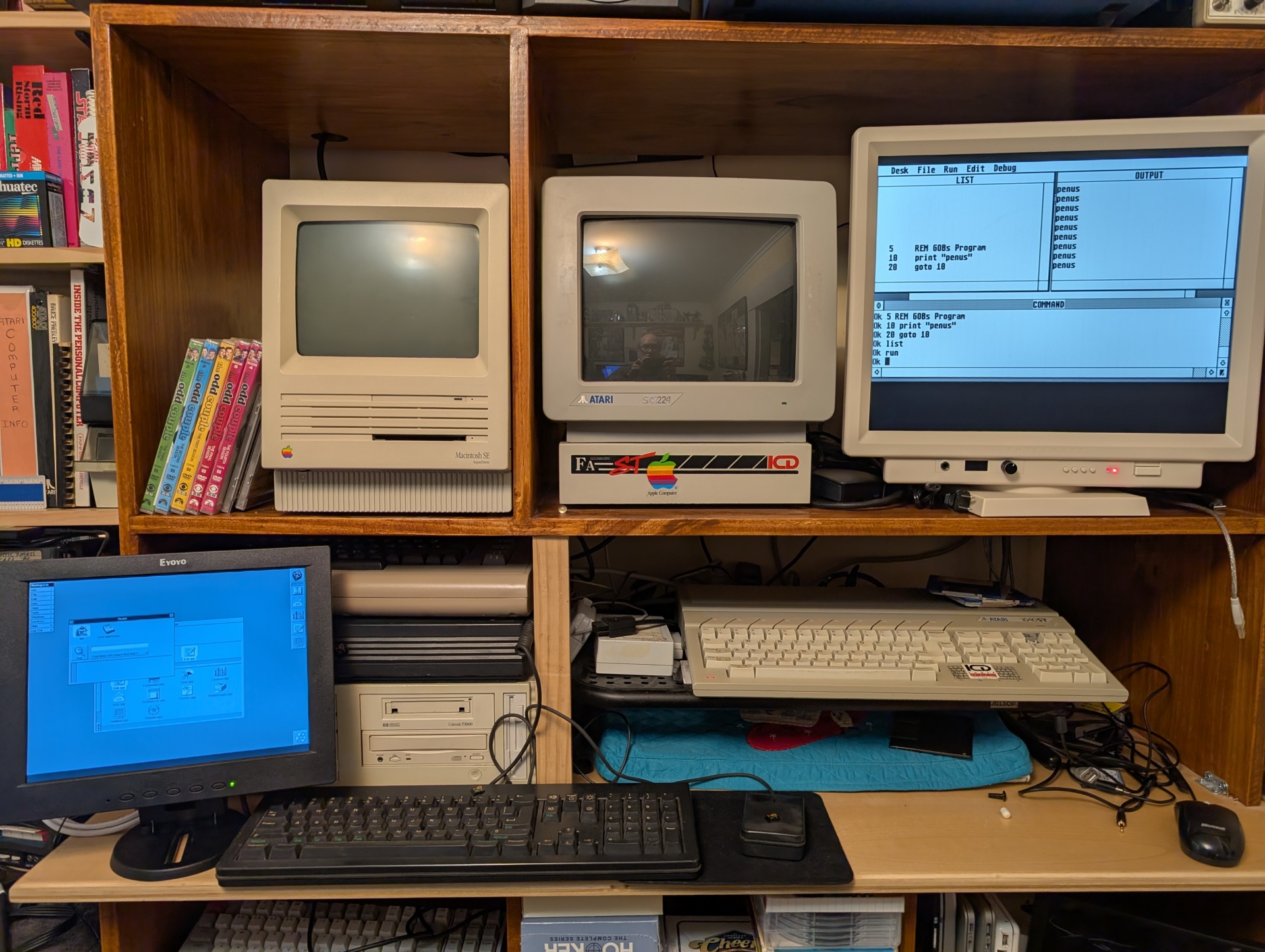
The display itself looks really nice so far. Atari ST high res looked great and I was so happy with this that I dropped everything and immediately tried (and failed) to get to a Mac desktop with the Spectre GCR. It didn't work but I'm confident the device itself is fine and I just need to read up on how to boot to it and maybe make some new disks.
In any case it turns out probably any LCD monitor will show ST high res, so I really wouldn't have had to waste all this time waiting on this specific monitor to. We'll get to that in another post :-) Let's just say the Atari to VGA dingus I bought probably got immediately smoked and I didn't figure it out until last week.
I'm working on my own custom solution to that hurdle this weekend and I'm very excited to the CheckMate through its paces.
My intention in the next couple of days is to stop hacking at this ST constantly and spend some time enjoying this for a few minutes and just play a couple of games. I just got an Atari 9-pin to USB box that should let me use ST peripherals on my Raspberry Pi emulator box and play some Amiga games (because let's be honest that's why).
I'll update this post with photos of how that goes.
Quick note on the display controls thing. It's no fault of CheckMate or Steve or whoever the vendor of the firmware is. There is no "correct mapping" to fix a 4 button control system. I just think all monitor OSD controls just universally suck and that's OK.
I have been on a real documentation spree lately, so my plan is to create a laminated 8.5x11 cheat-sheet with menu control maps and screenshots and annotated layout of all the inputs and stuff, which is "HDMI 1" vs "HDMI 6", while there are 5 "external" HDMI ports. If that comes out well then I may offer it to the project. It's not any knock on the project or their manual, I've just been making internal documentation for stuff around the house. Honestly I'll probably just tape some notes on the monitor bezel directly too. It'll add authenticity.
I want to understand the workings of the Checkmate more as well. A project I'd like to do is mount my Raspberry Pi emulator machine on plexi (I got a guy...) and slide that into one of the backplane slots. I know "using it as a shelf" wasn't the original intent of these slots but it's going to be super cool.
- xrayspx's blog
- Log in to post comments
- 455 reads