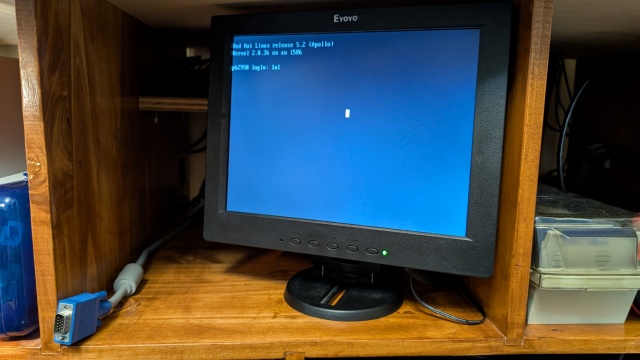
This is pretty stupid, but this is the kind of thing I do when I'm bored. Obviously I'm making a sub menu from my main boot menu to do the same thing directly in Linux, but this is more fun. And when everything breaks I'll be ready for it.
Jane's Addiction - Classic Girl - Which this asshole certainly is *NOT*
I get really tired of this sort of thing.
Safety is in front of piece of shit Stephen Miller's unworthy asshole of a wife. He is guiding her toward safety, as Miller is being guided to safety by the man behind him.
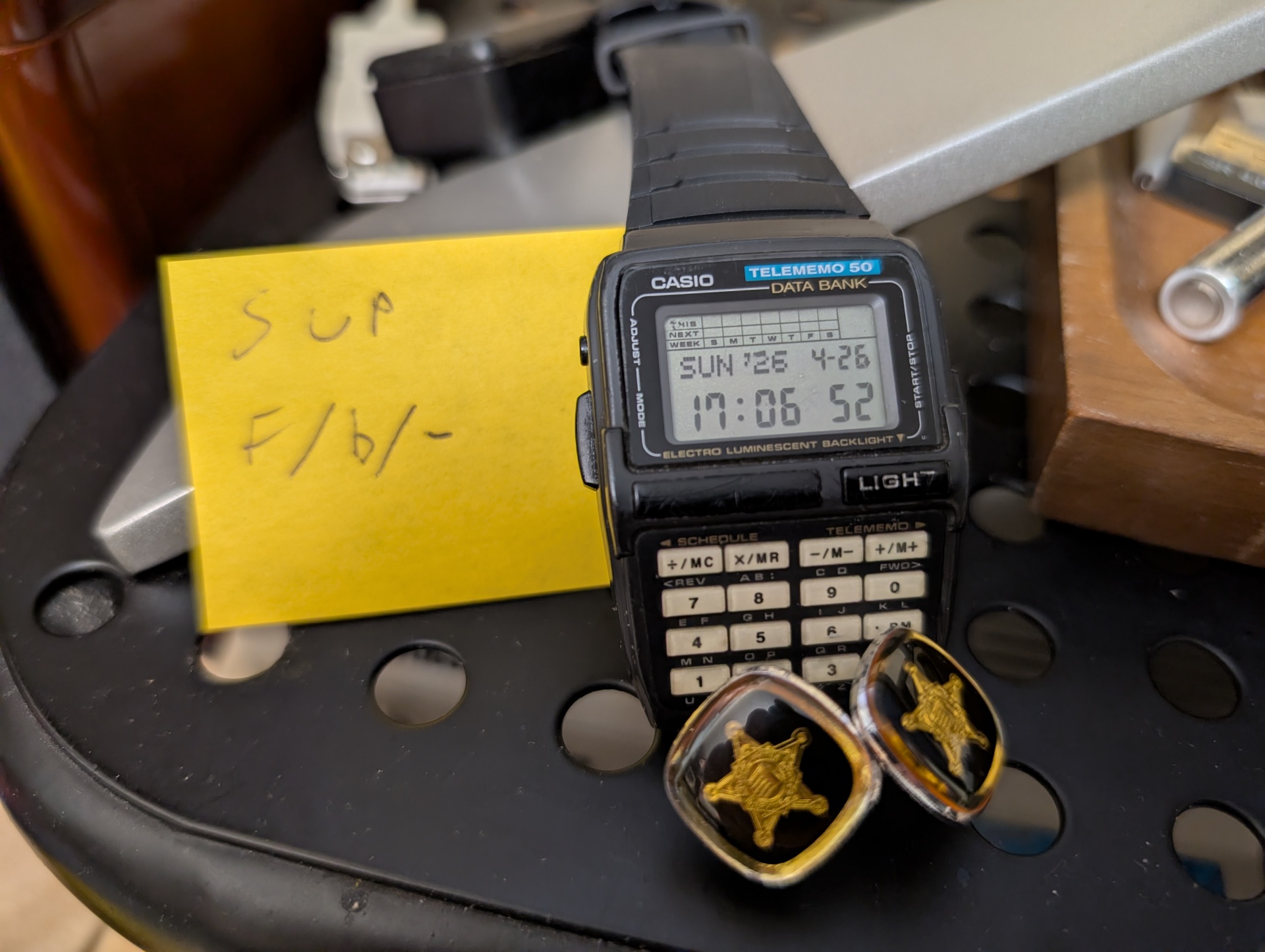
I'm pretty sure that if we could see that man's cufflinks, they would look very similar to mine:
Sandie Shaw - There's Always Something There To Remind Me
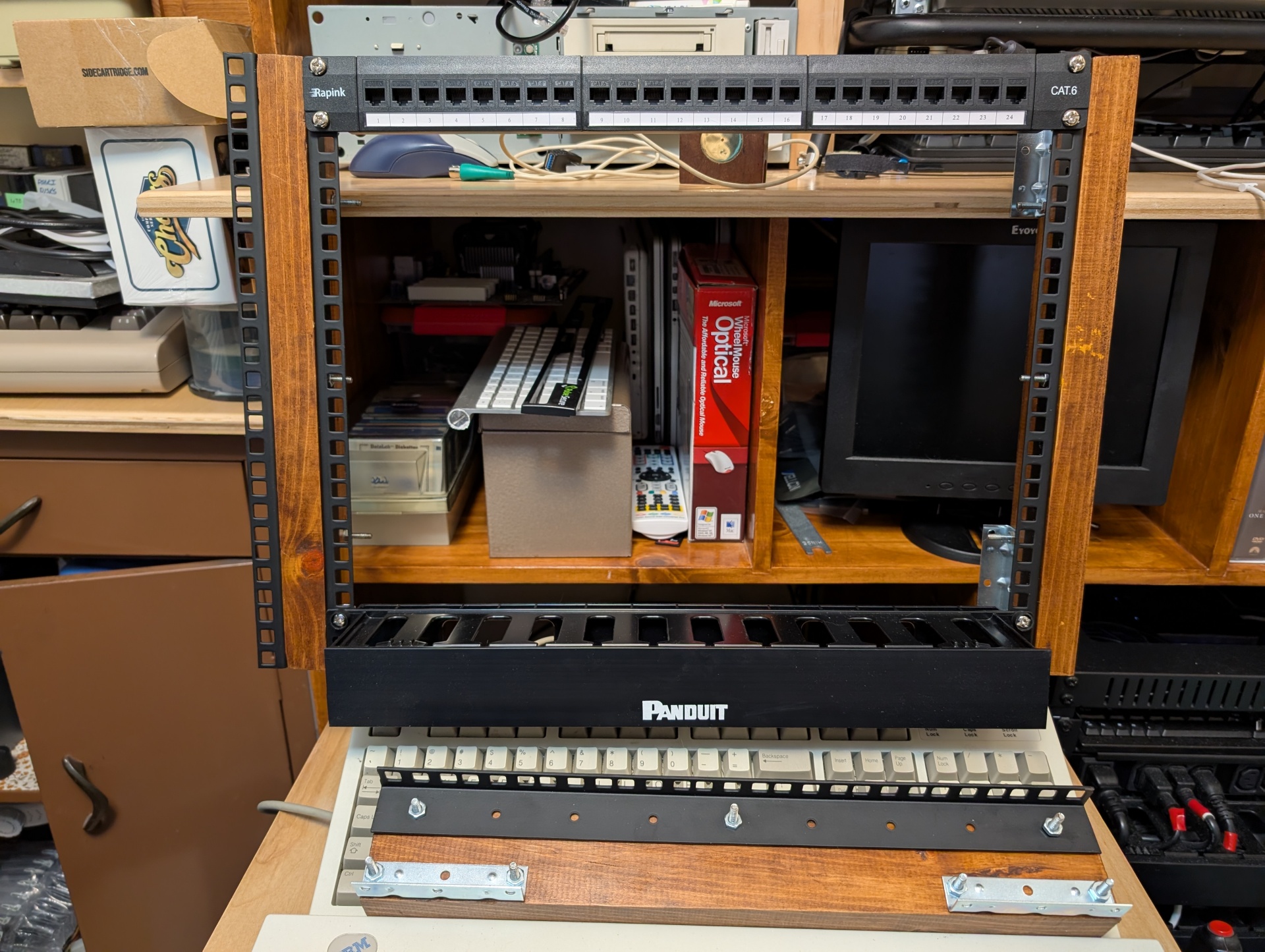
I put together the 9u rack rails today and they look great. I just used a 2x3 that we had laying around chopped it roughly to size and used BriWax to finish it which was super fast vs all the waiting around for stain and varnish.
Unfortunately it's not quite going to all fit inside the 31" wide hole I have for it. So that whole cabinet needs to come off the wall like 1/2". Which means anything we care about hitting the floor needs to go. The server racks will be just fine where they are.
One thing I am going to do is flip the bolts around on the outside two now that they're not going to be visible. Anyone sticking their hand back there deserves their tetanus. I'll put some caps on them. Maybe. I'll also carve out the middle section of each 2x3 for cable pass through.
It will also be nice to have this henge/cabinet at least loosely attached to the wall since I'll just jam some corner brackets to it. It's not unstable, but now it'll never go anywhere.
Addendum:
As I was going through my go-to box of rack stuff for cage nuts I found this one bolt that I've had forever and really want to find another one of so I can do a thing or something. It's too nice to just toss and I do try to at least match so it's not like I'm gonna ever use it.
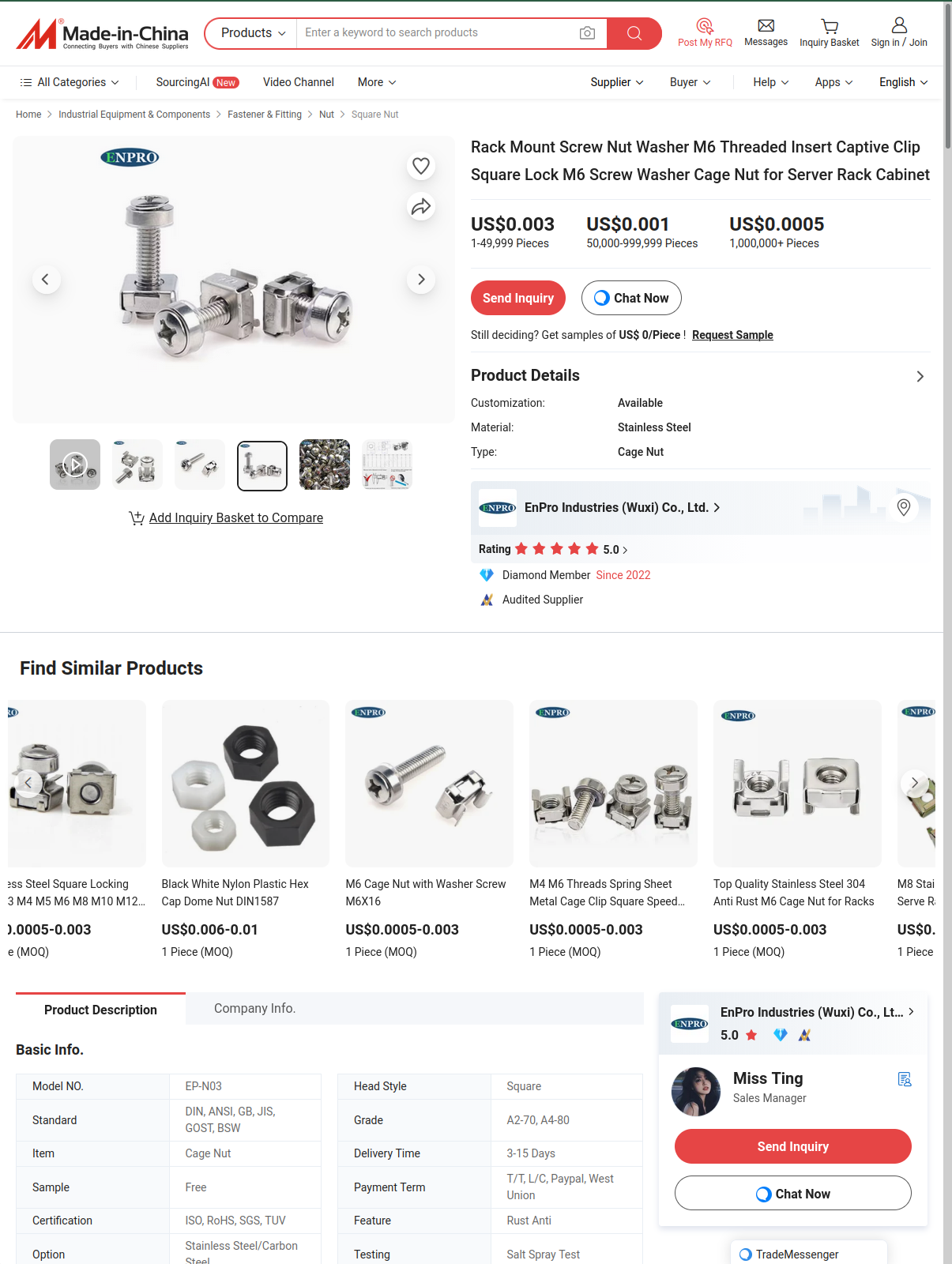
So anyway, I went hunting for captive cup washers and there are guys like turning them or water jetting them for like 35 cents a washer, which seems a bit. Extravagant. For me.
So...Sell me them. How much man, gimme a checkout page. "Send Inquiry"? I don't want 40,000 of these things. Am I supposed to chat with the sales engineer? Miss Ting? Is this page a Ru Paul movie from the '90s?
Searching for the product only ever brings you to this page, so that's cool.
There's a healthy and well adjusted use of my resources, and then there's whatever I'm doing here.
This video is also a test of a new microphone. It failed. Sorry about the choppiness, I don't really know what's going on there.
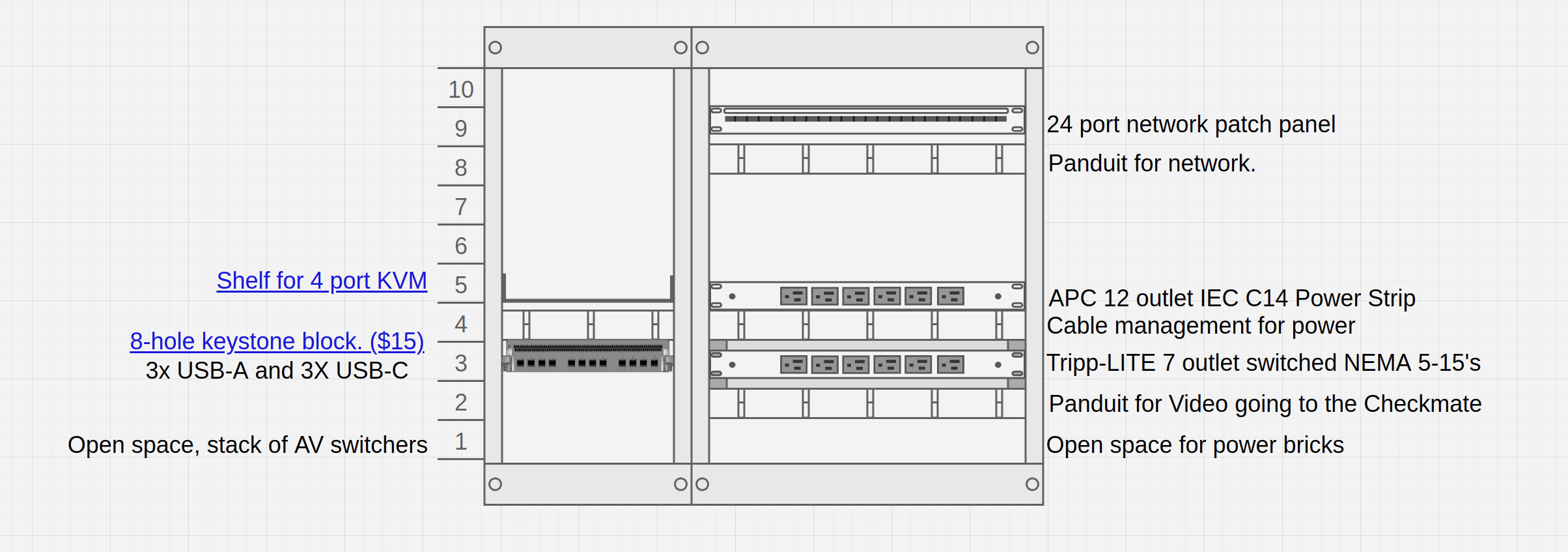
Here's the sketch of where things are going to go. There's lots of empty space for pegboard and other accessories over time:
Also I mention the Avocent but never really explain what that is so here's my page on that. It's a serial port concentrator so I can manage a bunch of stuff over serial:
Here's the 30 second beer ad commercial for this monitor.
I can plug in every single machine I own and switch between them all with a remote. In basically two days I built a full isolation network mini-rack build right into the monitor chassis to allow seamless administration of an untusted network with Windows 95 and RedHat 5.2, NeXT, Mac all wanting file sharing service, name services, software and driver repos. That's all done. I can just grab drivers on my workstation, drop them right into a file share and pick them up on a Windows 95 machine. And I have loose VGA connections ready to go to configure servers and stuff that have VGA out. All that VGA video is going through two, passive $25 VGA switchboxes. Looks super sharp, and I was the guy with the 17" and 21" Sonys (as pictured below!). My big Trinitrons also just had tons of this switchbox stuff going on and never looked this good. I mean, chalk it up to better cables I guess, but I very purposely bought the "Standard '90s Beige Switcher" with the big chunky knob and yeah it just looks perfect.
Not only all that, but you can capture the screen through the crystal clear HDMI output.
I'm pretty sure streaming is a main intended feature of this monitor, but even for me, where that's not my primary use for this thing, it's so convenient. I can sit here in a Secure As I Can Make It VNC connection to a Windows 95 machine and capturing what's on the screen across the room in OBS. I find myself instinctively just watching progress on the display in OBS rather than turn all the way around just to see if my 57MB has copied over its 10Mb Ethernet yet.
Neat Indeed.
And yeah that modem is "10BASE-T" explicitly. The manual specifies Category 3, 4 or 5 UTP for 10BASE-T). This DOS only program really is how you set things like the duplex in the manual.(Not speed/duplex, multiple speeds didn't exist)
I could probably have left it at 10/Half and been just fine. I should get some 100Mb cards though. There's not gonna be a whole lot of bidirectional traffic on this thing. I mean I worked on plenty of office networks running 10BASE2 back in the mid '90s. Occasionally someone would have Novell and some twisted pair.
I thankfully got in toward the tail end of "new" 10BASE2 installs though I did my share of fishing that shit in several-hundred-year-old buildings.
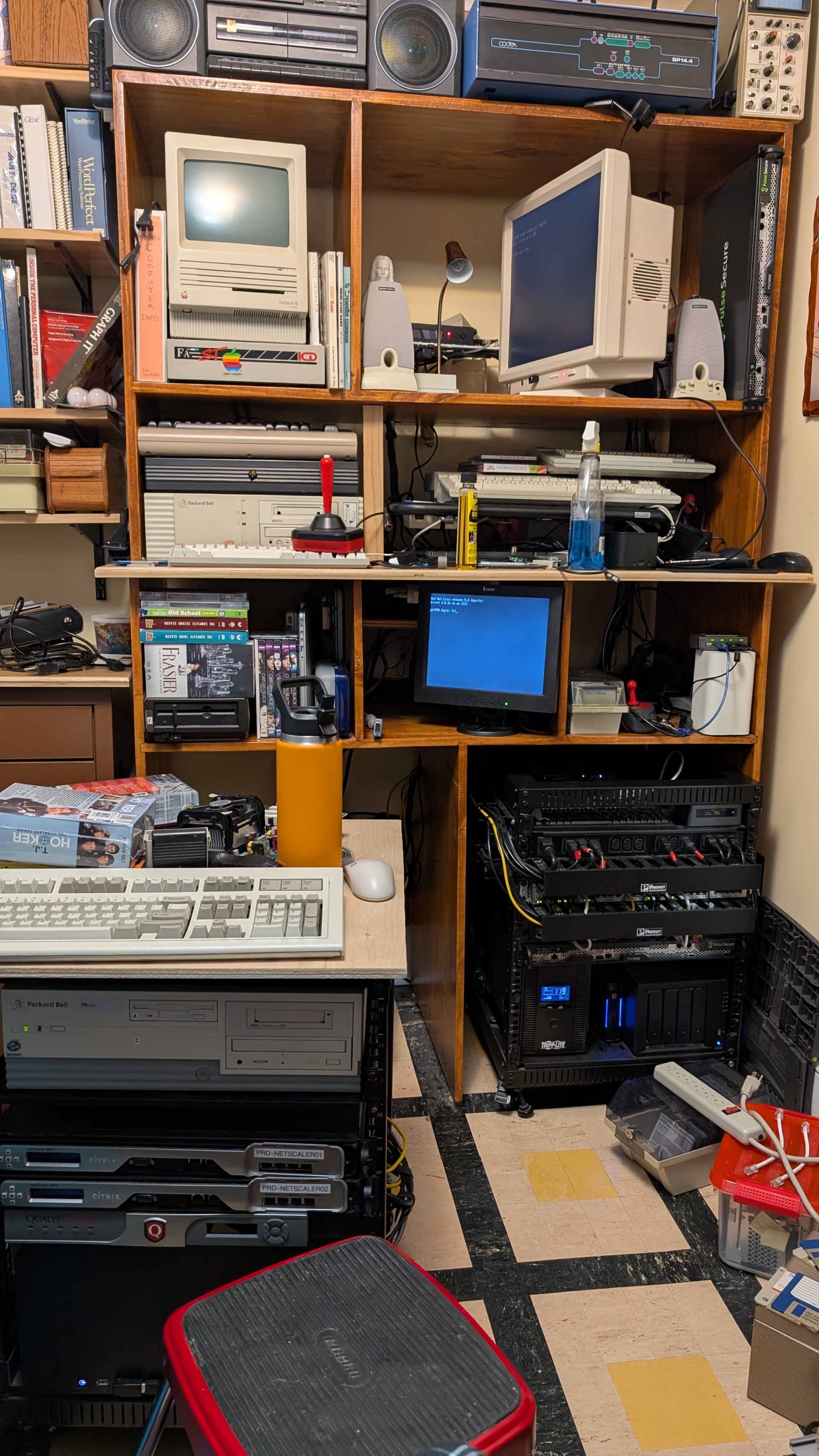
SCSI also. I have like 2 bins of SCSI stuff plus enclosures I really want to build. That SCSI gear was Above My Pay Grade in 1997 when I was 22 and burning all the candles at once with a blowtorch. The Packard Bell I'm working on now is identical to the one I first played Doom on in 1994. Mine was an SX-33 that I upgraded to a Cyrix 80Mhz. This one is an Intel 50Mhz, so it's a "2052" rather than the "2033" I had. The P120 is also very age appropriate. This whole thing is basically an upscaled version of my 22-ish year-old setup.
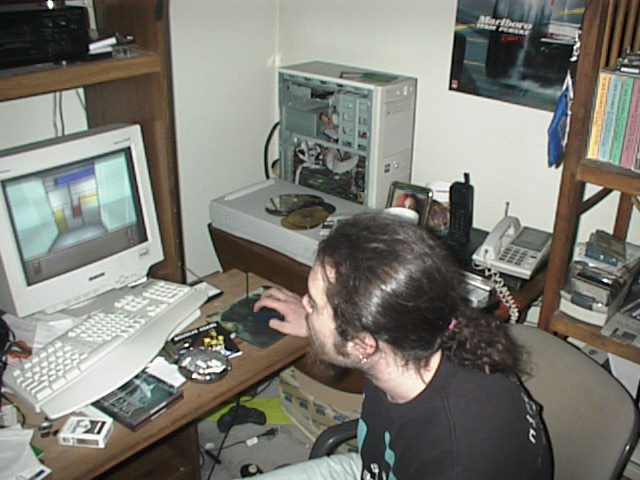
The file modified datestamp on this photo is 9/9/1999 at 10:57PM. I think that game is Obsidian, which I did pay for and did own which came out in 1997, so I'd have been between 22 and 24 there.
I'm wrong, that's Starship Titanic, which was my other guess, which came out in April 1998, and I did buy it it's on my desk there!
In my intro to the Checkmate monitor video I mentioned how I'd love to have this on a datacenter bench and maybe throw a switch in there as well. Well now I'm going to do that.
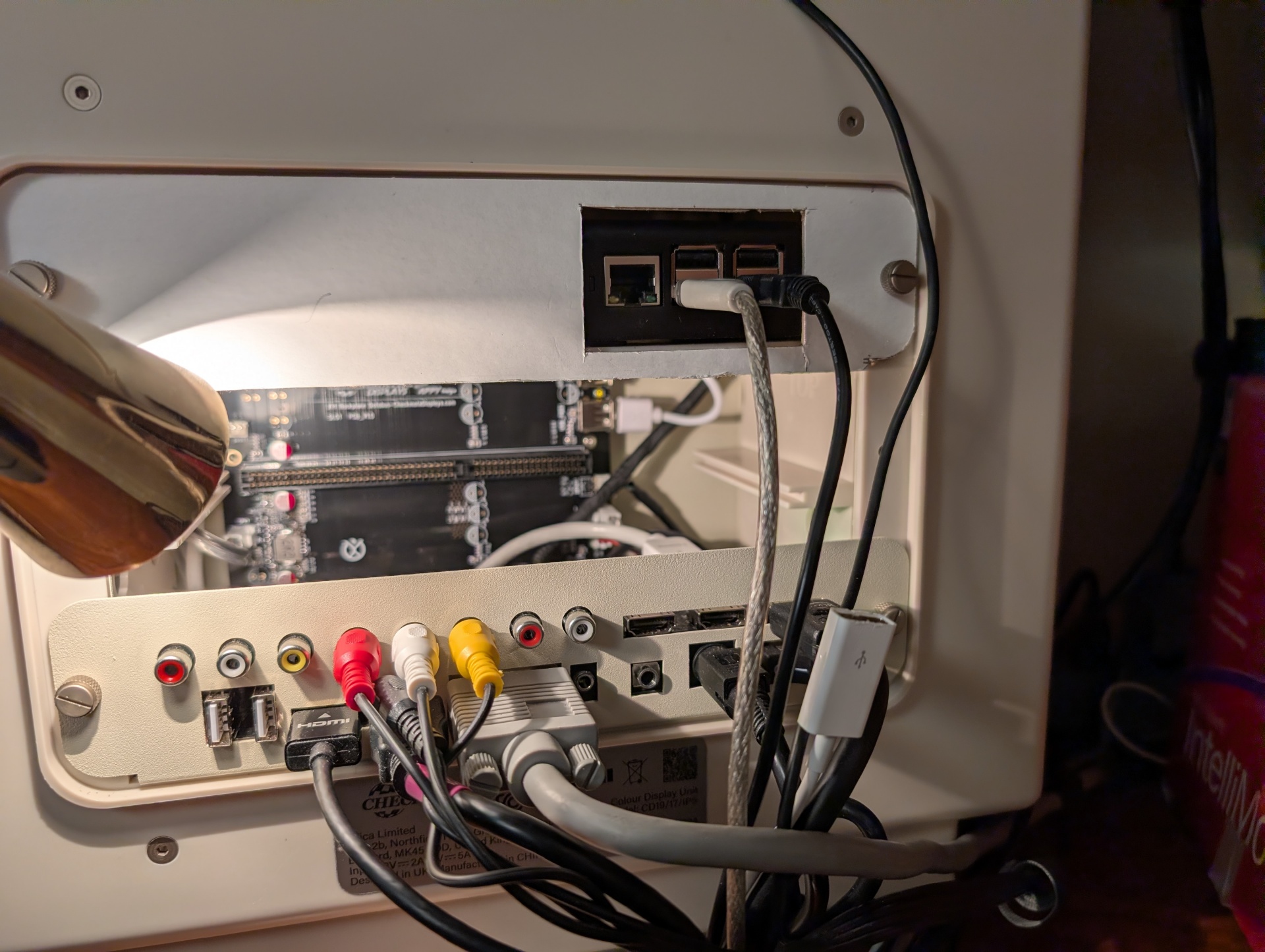
Now that I'm starting to use all these computers for more than a couple minutes once every few months it's time to build a proper isolation network. I'm beginning the process or archiving loads of Atari ST and GCR Mac floppies so I definitely want to have somewhere safe to do that work. The little Raspberry Pi 3 in my monitor will serve as the bridge, serving old and insecure protocols to that network so we can have the full '90s experience. So it's listening on Telnet and FTP to host archives of all the NeXT software ever made for instance. I'll be dialing back Samba security to the point that a Windows 3.11 or 95 machine can connect to the fileshare. The Pi will also provide the WiFi network for exciting things coming up like my FujiNet cartridge that I haven't even tried to play with yet. I will very likely move DHCP and DNS resolution from the default gateway to the Pi just so I can pick the whole thing up and take it places. Plug devices in and they'll be able to get an address and browse by hostnames and stuff.
It's so nice to have an all-in-one solution and I'm happy to stick a little PoE powered switch in the Checkmate to provide the networking for all of it. This monitor is now a "pick it up and go" solution to demo a wholly contained network of 1980s and 1990s machines where no one can hurt them. If I went to things like VCF, this is what I'd bring to run my whole table.
That monitor is going to feature in a lot of my stuff in a big way. Every time I do a project I find a new use for it! Running desktop computers through multiple VGA switch-boxes? Still looks great!
Again, sorry for the "beginner" nature of all of this but I'm playing with kdenlive and learning how to speed things up and make short clip montages, so you can watch me suffer as I learn :-) It's basically 1978 PBS, WTF do you want it fits my entire aesthetic. Look where I live.
Stay tuned to see my friction-free and more importantly secure way of interacting with all these backend systems. Coming Soon!
I've got a ton of video, all of it garbage, about making a dumb shelf and backplate for my "retro things Isolation Network" that I'm trying to get down to like 20 minutes.
I think the thing to do is watch it all through, then make notes and then go back and execute the notes rather than try to do it one at a time as individual tweaks.
To manage this I'm gonna try and use my internal Wiki with a link on the homepage to like my Blog Notes category so I can go update stuff as I watch, then check them off as I complete them.
We'll see. I just want to put up the dumb "Switch in a Monitor!" video so I can do the really cool stuff of "How I am securing this since no one else talks about this stuff.
But since I've been working on this in the last two days:
My NeXTStation started hanging at the ROM Monitor check screen. I know this has happened before and I know I changed the iSCSI image but I think the real answer was something stupider than that.
This would be a way cooler demo if I had a second machine, like say a NeXTStation which was just working awesome like 3 days ago. I think I gotta just fire up the 95 PC what am I even thinking here duh.
I just replaced my webserver hardware up to the hard drive. I suspect this thing's problems aren't hardware but you never know and it's easier than moving everything.
I dropped one of the very nice thumbscrews from the monitor while I was wrangling cables. It's in the room somewhere. But if you've ever worked in a datacenter you know that a lot of the stuff you drop is just gone into the rack somewhere and you'll never see it again.
Bonus points for nice and beefy but non-ferrous objects. So if I could hit 'em with a magnet they'd probably be super easy to find.
NeXTStation status updated to Dead. All of this has happened before, and all of this will happen again
My stupid thumb is still bleeding after cutting it on Friday. I've lived with much worse without going to a doctor don't you worry. It could probably use like a stitch or something. I should figure out how to do that.
I've updated all my tools and unit tests for the video no one ever makes about how they actually do the work of dealing with their Retro networks.
Argh. I've got so much stuff to build and I just want to get at it already instead of wasting time editing nonsense that didn't even really work out!
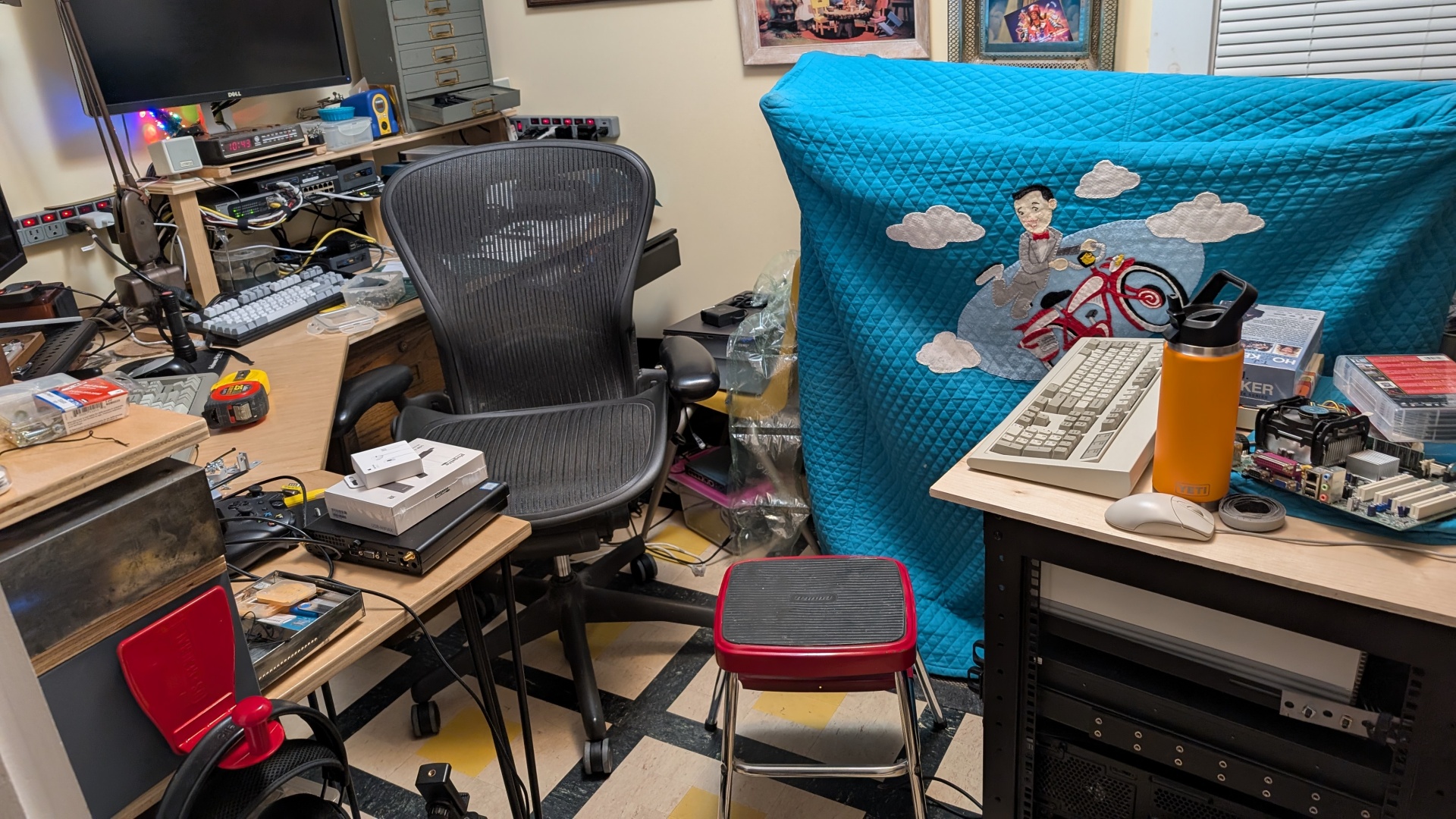
This is what it looks like when I do every single project all at once. When I do one thing, but that depends on 5 other things so it explodes the office! I love this. A person with training might call this a "manic episode" but I choose to say I'm super excited and motivated. Basically I've been sitting in this office for 10 years saying "When I have 10 minutes to think, I'm gonna...".
Well today those things were:
Re-cable the henge and fix everything ugly. That largely happened today.
Put in a shelf and clean up the mess that is this VGA switcher and cabling (NeXT + 2 PCs)
Put non-UPS in-rack power in that one rack for non-essential machines
Re-think my desk/workbench side of things and cable everything up tidily
Doesn't look tidy, but believe me it's really clean under all the mess!
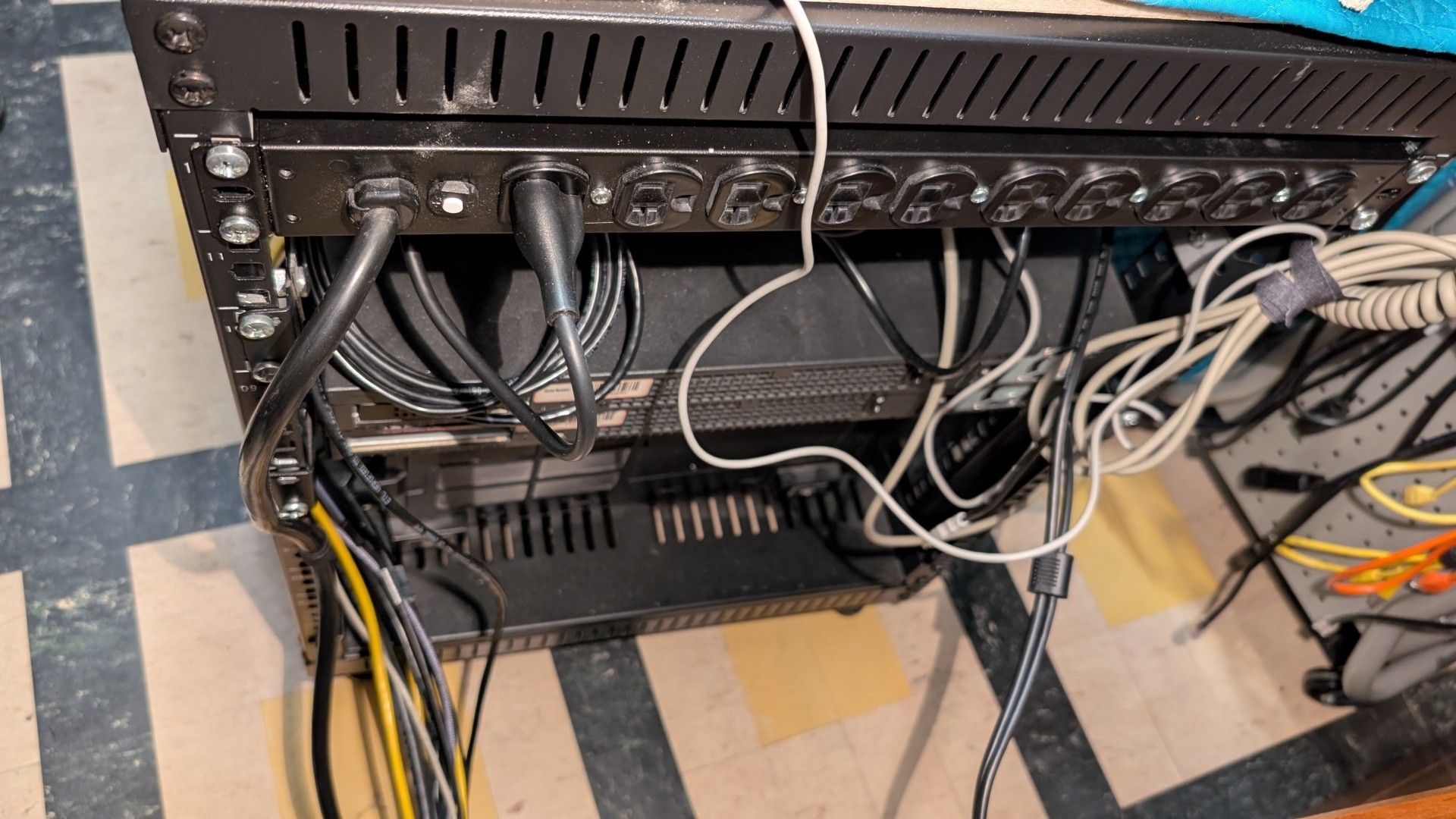
I'm going to stick some Panduit under the new power strip and tidy up all the 9' Model M cable, I'm doing a longer VGA cable right now:
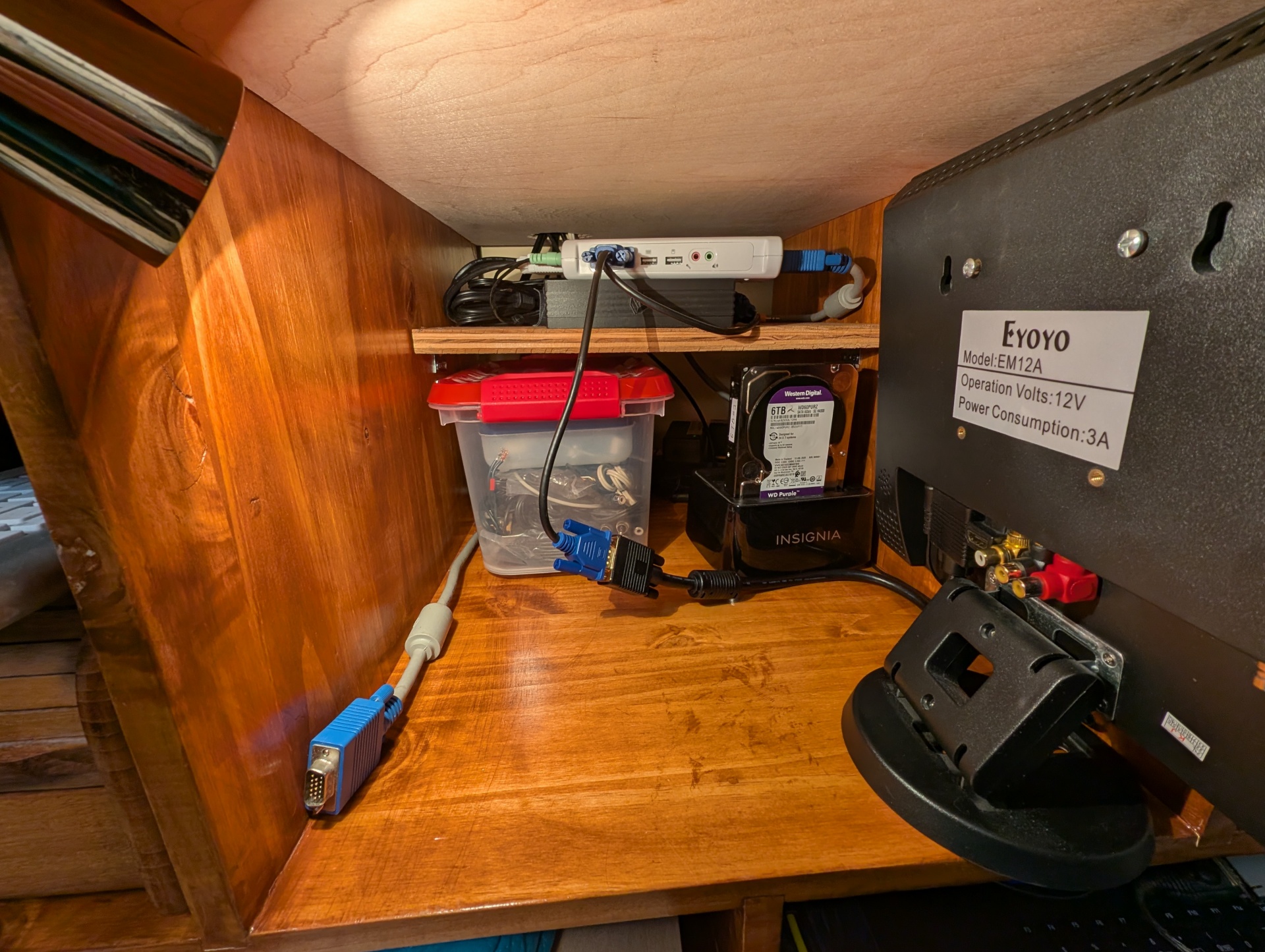
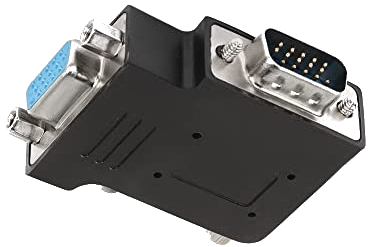
That bin in there has one of every analog A/V cable, adapter and dingus. There are lots of angled and shorter cables coming to clean that up more. The black thing is the NeXT station breakout box for VGA, sound & keyboard. The VGA cable on the left is for stuff I want to plop down and work on like a 1u server or a PC or laptop. I have two P4 PCs that I've never even powered up because doing so would be a hassle, well Hassle No More! I have a bunch of rackmount stuff to build to replace this unstable webserver. I'm going to start with one and work my way up to two servers splitting the load here.
This one might be sort of tricky. Hey Natalie, do you guys sell anything we could like taste test in the store? Maybe I should email the lighting place like what we used to do back in the before times.
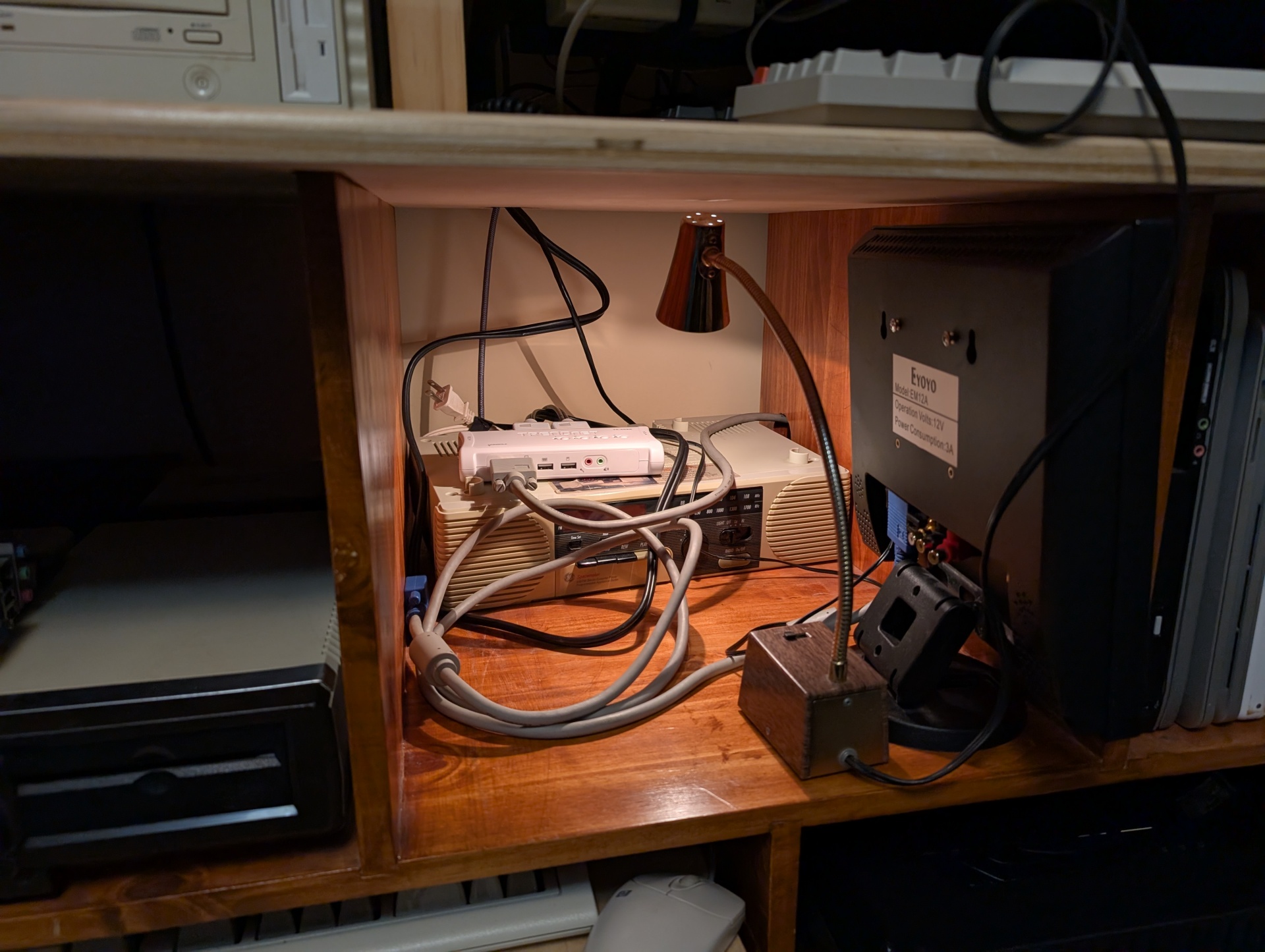
I'm building a shelf in this cubby to hold that super un-weildy VGA switcher. It's awesome but I would have paid triple the price for just 5 ports in a row rather than this octopus nonsense. It was $30, what do I want.
I need to mount that radio too, it looks super cool. I'm also going to make that the home for things like the NeXT VGA breakout box and hopefully the first USB keyboard and mouse dingus they sell. And a bin-full of adapters and "general retro-ey converters and plugs"
So I have this vintage brass and painted woodgrain gooseneck lamp which is awesome looking and so perfect for exactly what I need it for. Imagine sticking like a flashlight on its end pointing up vs this thing. But hoo man this thing's going to burn my house down like that bulb gets scalding hot within a minute or two.
These are 12V bulbs so that base has a transformer in it that gets nice and warm but gives switchable low/hi which is nice. It uses GE 1156F bulbs, which are like automotive backup lights or in a garage door opener. So I want like a modern LED equivalent that is going to look warm and nice like this thing but searching I don't think I trust buying anything I don't see with my own eyes first or someone personally vouches for. Whatever it is I'm not buying four of them for $10 without seeing them lit for real with my eyes.
I want the pleasant light qualities of a 60 year old incandescent light bulb made for one of like 2 "warm ambient light" scenarios for this bulb.
I'd pay $20 for a single bulb if I knew it was exactly what I wanted. I'm sensing a theme in this post.